



Login

SourceTech Tellus®

Broswers

Tellus Web

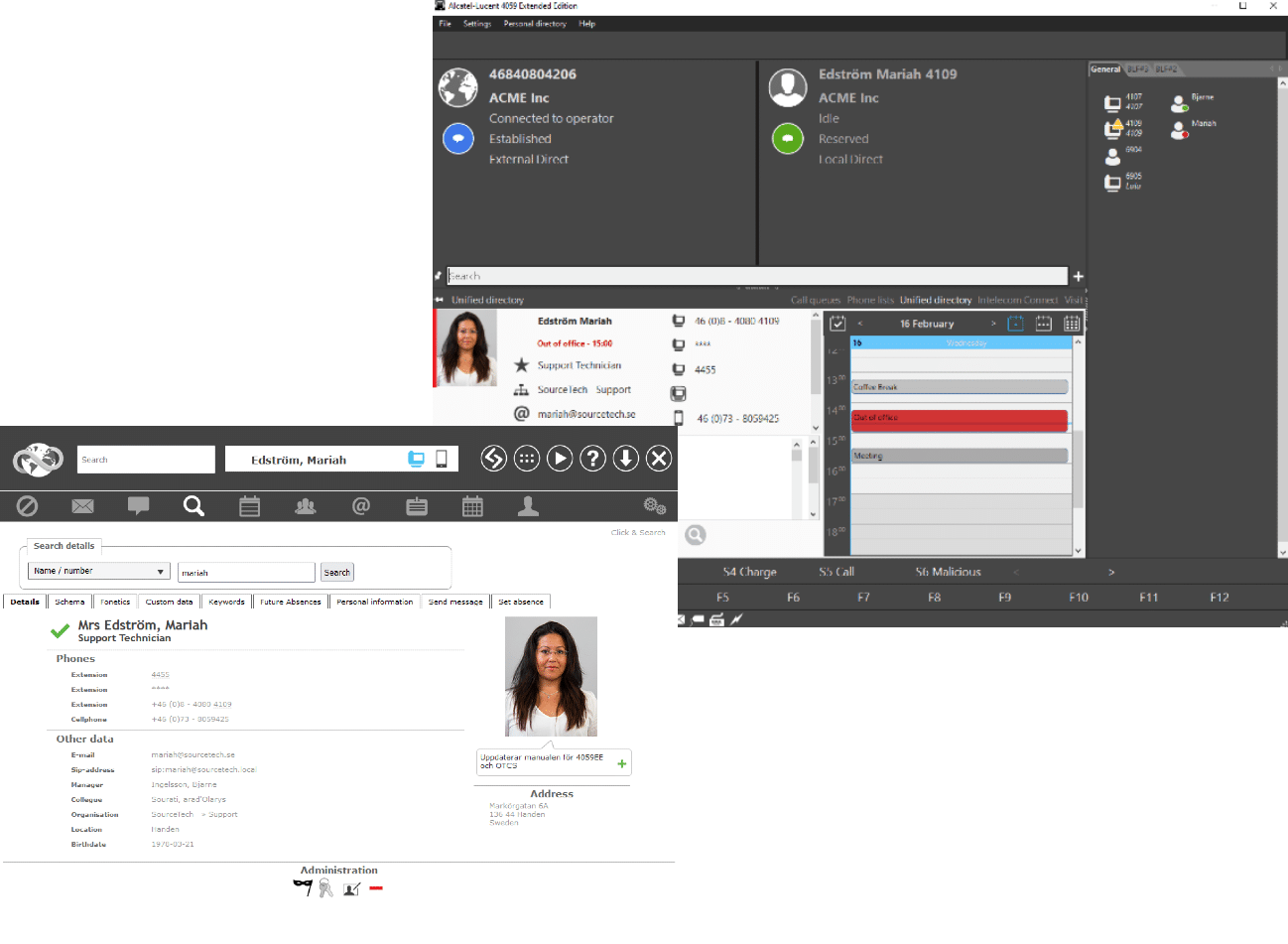
Whether you work as a telephone operator or not, you'll always benefit from having updated information about your colleagues at your fingertips. The information can be anything from their presence, to things like as address, telephone number and organizational affiliation. You can always reach all of this easily from your browser.

Source Tech Tellus supports all leading web browsers for the most common operating systems. This means you'll never need to install software on your computer to use Tellus, all you need is a internet browser and a computer network - easy and powerful!

SearchFind

You can easily find other colleagues to get information such as address, phone numbers, mangers, see the picture of the person and so on. You can choose between searching in the quick search, where we only have to type a few letters or numbers to find the right person or connected, or advanced searches by selecting search criterias in a drop list.

The "click to search" let you navigate through a treesview, where you can see the organization structure, and the staff who belongs the respective department.

All information links to similar information, which let you quickly find the information your'e looking for.


Presence

Presence at your fingertips!

You control the status of your phone during your absence, is could be diverted to the switchboard, or even to a voice mailbox system that automatically will play back an accurate referral message to the caller. Tellus offers several ways to contorl you presence and absence - via the web client, through the MyTellus™ application, by your phone, via a text message (SMS), from your calendar, or by the voicemail system.

You can also create a personal schedule where you can define your work hours and your repeated absences, the system then takes care of the everyday basic presence information for you and the operator and the voicemail system will give your customers correct information!

Micro blog

Micro blog

You can reach the micro blog within the web client and through MyTellus witch gives you an easy way to inform your colleagues what you're doing right now. This status update is shown for your colleagues and telephone operators. You can also have a list of people you follow to giev you a quick way to see your colleagues blog updates. 

ProfilesProfiles

If you have multiple telephones, these can act as profiles.

A profile is, by definition, a phone where you are currently available. You get a drop-down menu in the web client and in MyTellus™ where you can choose which phone should be active right now, ie where you will take your calls.

This is an easy way to forward your phones.

User groups

You can create user groups for different purposes. Group members may belong to different organization untis. You can create a group for a project where you smoothly will reach the people who are part of this specific project. A user group can be public or private. A public group can be seen by everyone in the system, while a private group is only seen by those members.

MyTellus™

MyTellus™ is a smooth windows application you can install on your computer. The icon in the tray bar on your desktop displays the current status. The icon is green if your'e status is present, and will turn red when your'e status is set tpo absent. Right click on the icon to bring up a context menu where you've got instant access to all available present status, micro blog, messages, visits etc. You can even change the active profile, meaning your phone will be forwarded to where you take your calls. In the settings dialog, you can specify your favourite presence status which then is easily accessible from the pop-up context menu of the application!

Tellus Visit

The visit management part of the system is where you register your visitors. It is a powerful feature that makes it easier for receptionists, yet gives your visitors a professional reception. You can choose to register an individual visitor or an entire group. This can be done either by the user in web client or int the Tellus Operator application. Information about the visit can be entered and thus can give the visitors a little extra service when needed. When visitor arrive he/she will be checked in to the system, either via the user-friendly visit terminal or by the receptionist. The host for the visit receives a message by email or SMS when the visitor has arrived. The visit system can be connected to a label printer for an automatic badge printout.