


For over 20 years, SourceTech has been committed to crafting intuitive and dependable products with cutting-edge user experiences. Our goal is to streamline communication and collaboration within organizations, and to enable seamless communication both internally and externally.
Our client base, made up of companies and organizations, has high standards for the software they use. To meet and exceed their expectations, we actively engage with our customers, gather feedback and continually update and enhance our offerings to stay ahead of the curve.
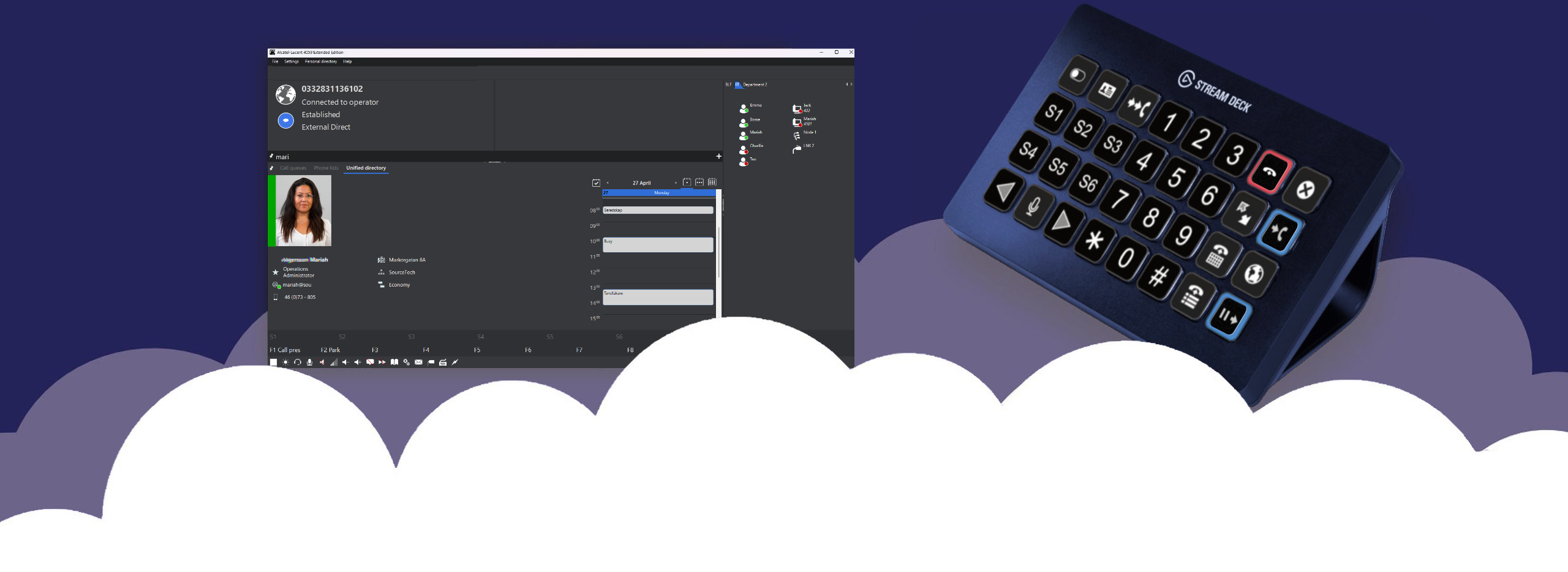
Turns Elgato Stream Deck into a 4059EE call handling keyboard.
SourceTech has integrated 4059EE with Elgato Stream Deck, creating next generation call handling keyboard.
It’s totally intuitive; the active keys lit up automatically as the calls gets answered, transferred, cleared etc.
Read more here.
Makes Hotel PMS and ALE OmniPCX Enterprise/Office communicate.
SourceTech Extend provide protocol conversion and application multiplexing, enabling one or multiple PMS to share one PBX.
Read more here.
Wakeup Call Management Solution for Hotels
Many modern PMS vendors lack the ability to handle wakeup calls, and as a result we’ve added a complete wakeup management system, Wakeup Service, to SourceTech Extend.
As SourceTech Extend act a gateway/middleware between the PBX and PMS its able to pick up all wakeup related transactions.
Read more here.
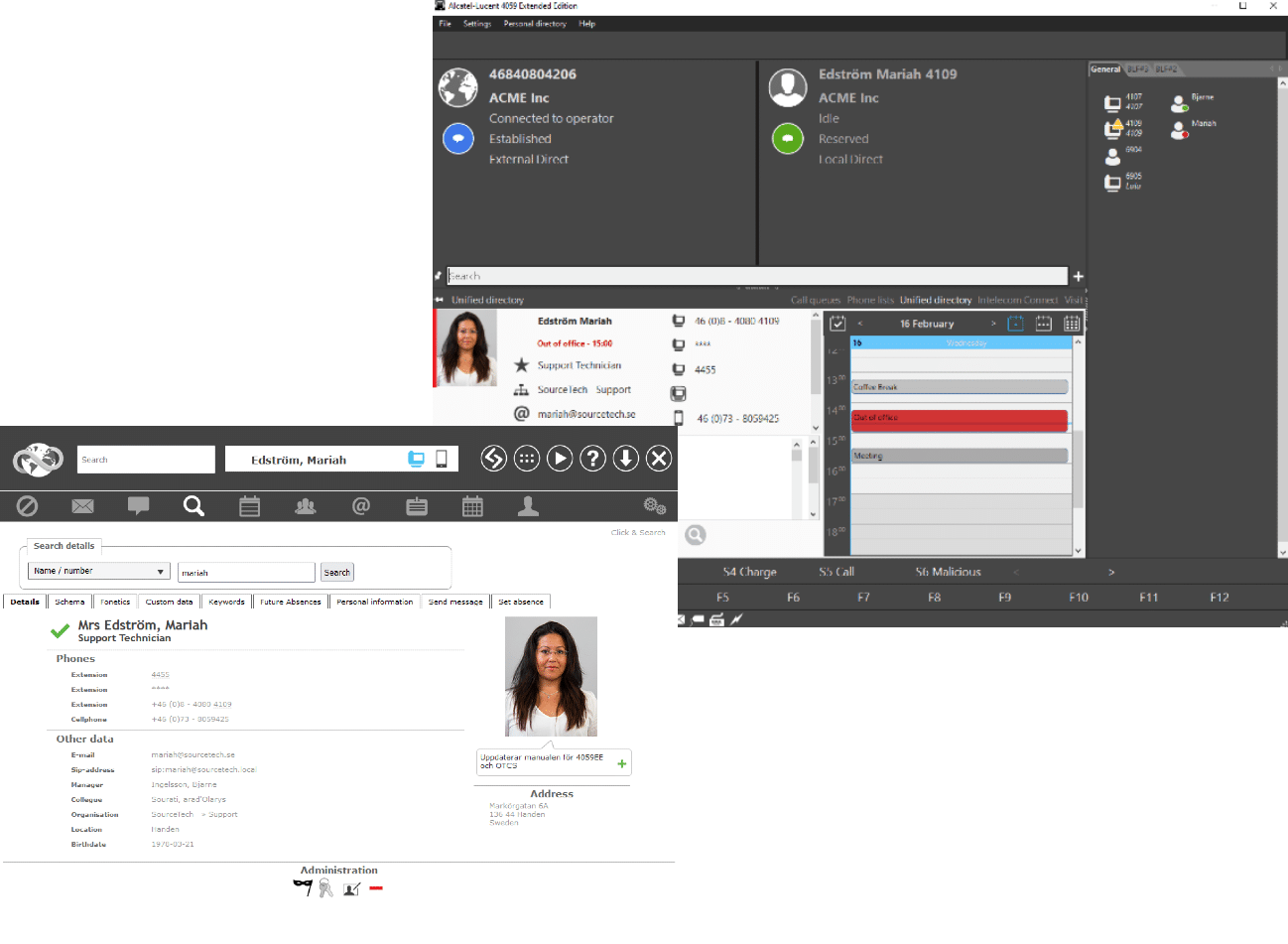
SourceTech Tellus is a suite of products that are designed to enhance companies service.
To give your customers a positive and professional impression you need the right information on the right place at the right time, that’s crucial! With functions as calendar integration, visiting system and resource booking your company will be more organized and give that positive first impression you deserve.
We want to illustrate the importance of having a presence and availability management system with integrated operator solution.
In this video we will meet Urban, a customer that cannot reach his sales
contact for several weeks. One day he decides to call the company’s
switchboard to try and figure out why his contact is unreachable. The
switchboard operator does everything she can to help Urban, the now much irritated customer.